




 General
Give us feedback
Do you have an idea, a wish, or a question? Use the feedback feature to tell us what works well and what we can improve.
Help us make GO better for you!
Give feedback
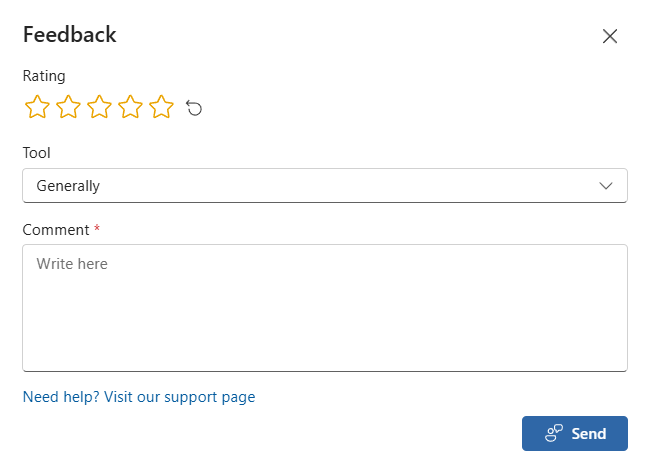
When you are logged in to GO, go to your card at the top right and click Feedback.
Give a rating, write a general comment, or select the tool the feedback is about. You can suggest new features, request changes, or ask for solutions to problems you encounter in GO. When you are ready, select Send.
If you need help with a specific challenge, you will find a link to the support page at the bottom of the feedback window.